
























 DE
DE  CH
CH  AT
AT 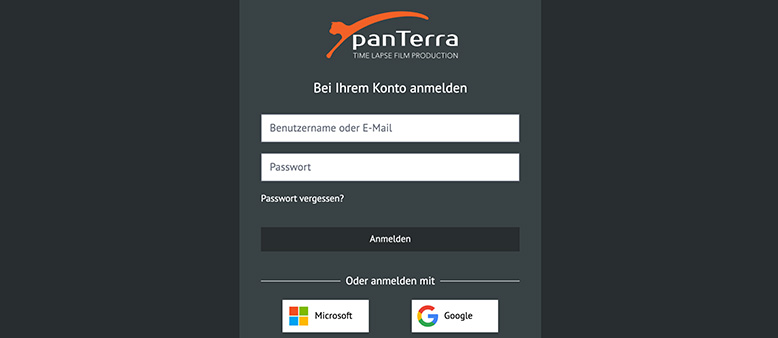
- TIME FACTORY
- Online Portal
panTerra Online Portal – Registration & Login
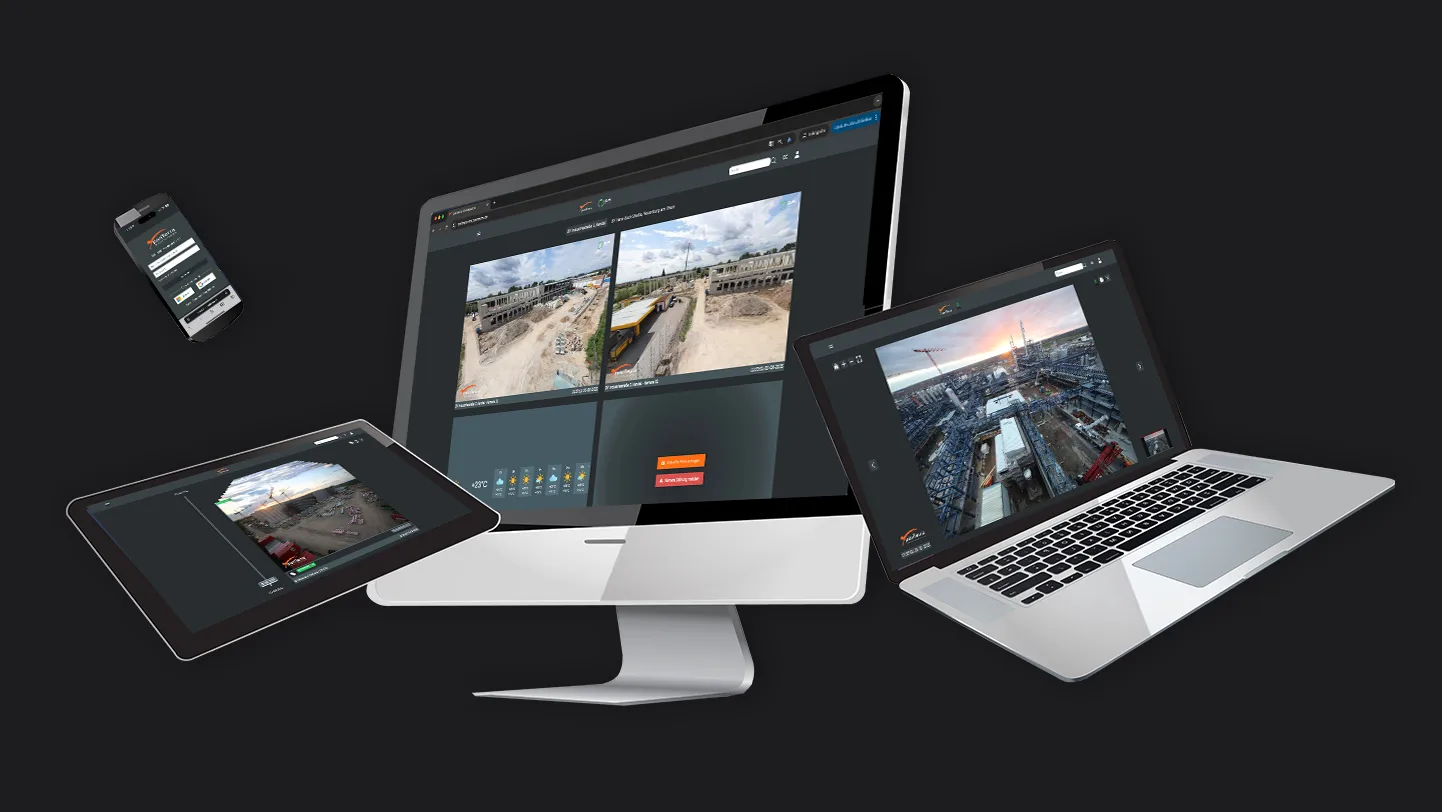
The panTerra Online Portal is your central gateway to TIME FACTORY – for live feeds, projects, and time-lapse videos. Depending on the package you’ve purchased, you’ll have either a dedicated project account or multiple individual user logins.
Table of Contents
Log In
- Open the panTerra Online Portal: https://onlineportal.panterra.de
- 1. Sign in with your email address and password A, or use Single Sign-On (SSO) via Microsoft or Google. B

Sample view of the login page with traditional login credentials and SSO options.
- Tip: If you can't log in, enable cookies and pop-ups. If you have trouble with your password, use “Forgot Password C”.
Sign Up
1. If you do not yet have an account: Go to registration
2. Click on “New user? Register” A.

3. Fill in all the fields with your personal information and create a personal password B.
4. Enter the invitation token provided by panTerra (this links your account to the project) C.
5. Enter the invitation token provided by panTerra (this links your account to the project) [email protected] – our team will activate your access to your project(s).
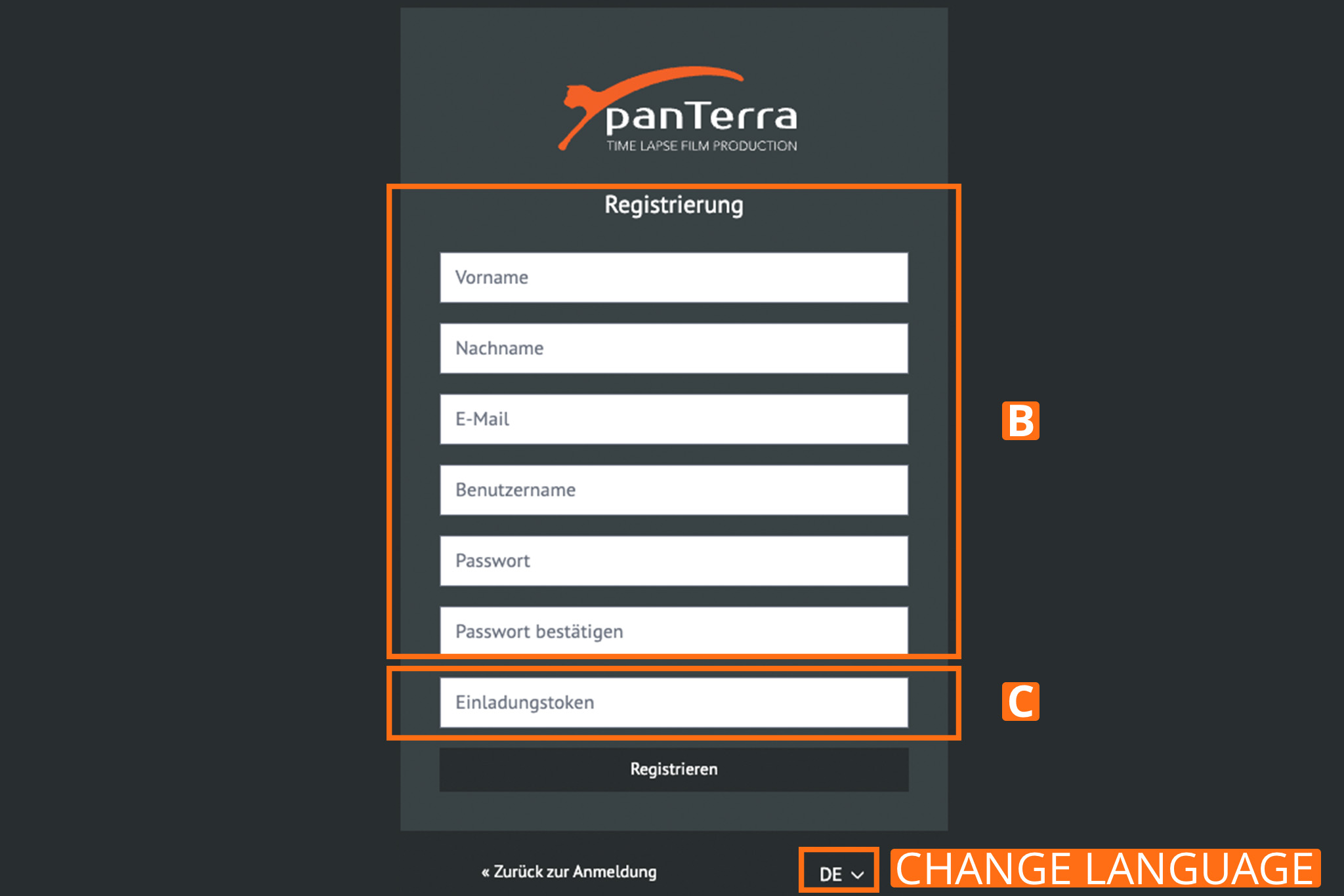
Registration screen with input fields and an invitation token.
- Security notice: The invitation token is confidential and must not be shared. It grants access to project-specific data and should be treated with the same care as a password.
Support & Contact
If you have any questions, our team will be happy to assist you: [email protected]