


















 DE
DE  CH
CH  AT
AT 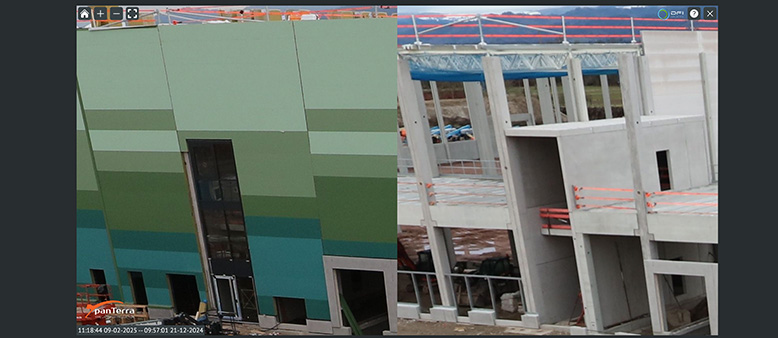
- TIME FACTORY
- Online Portal
panTerra Online Portal – Comparison Features
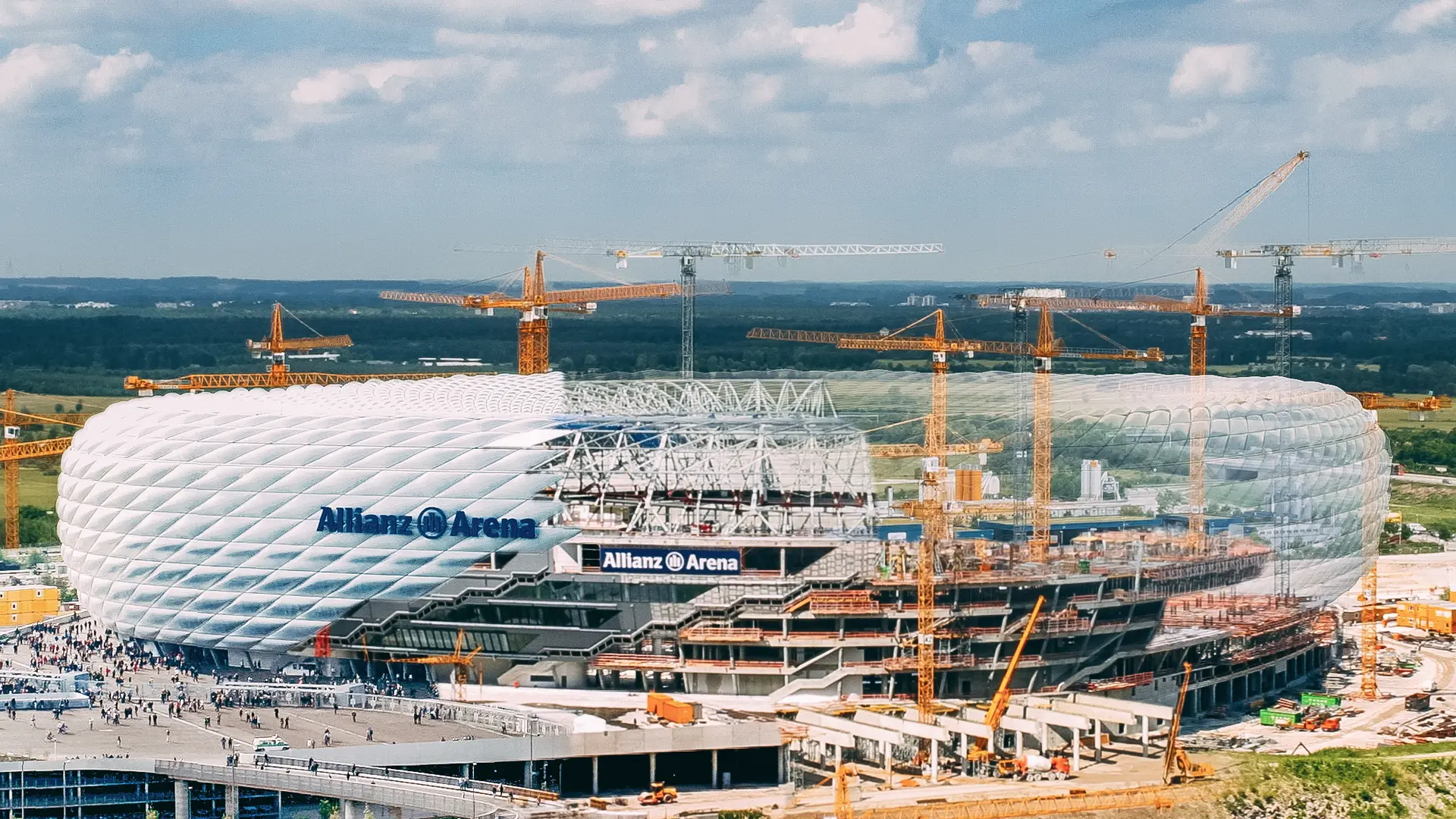
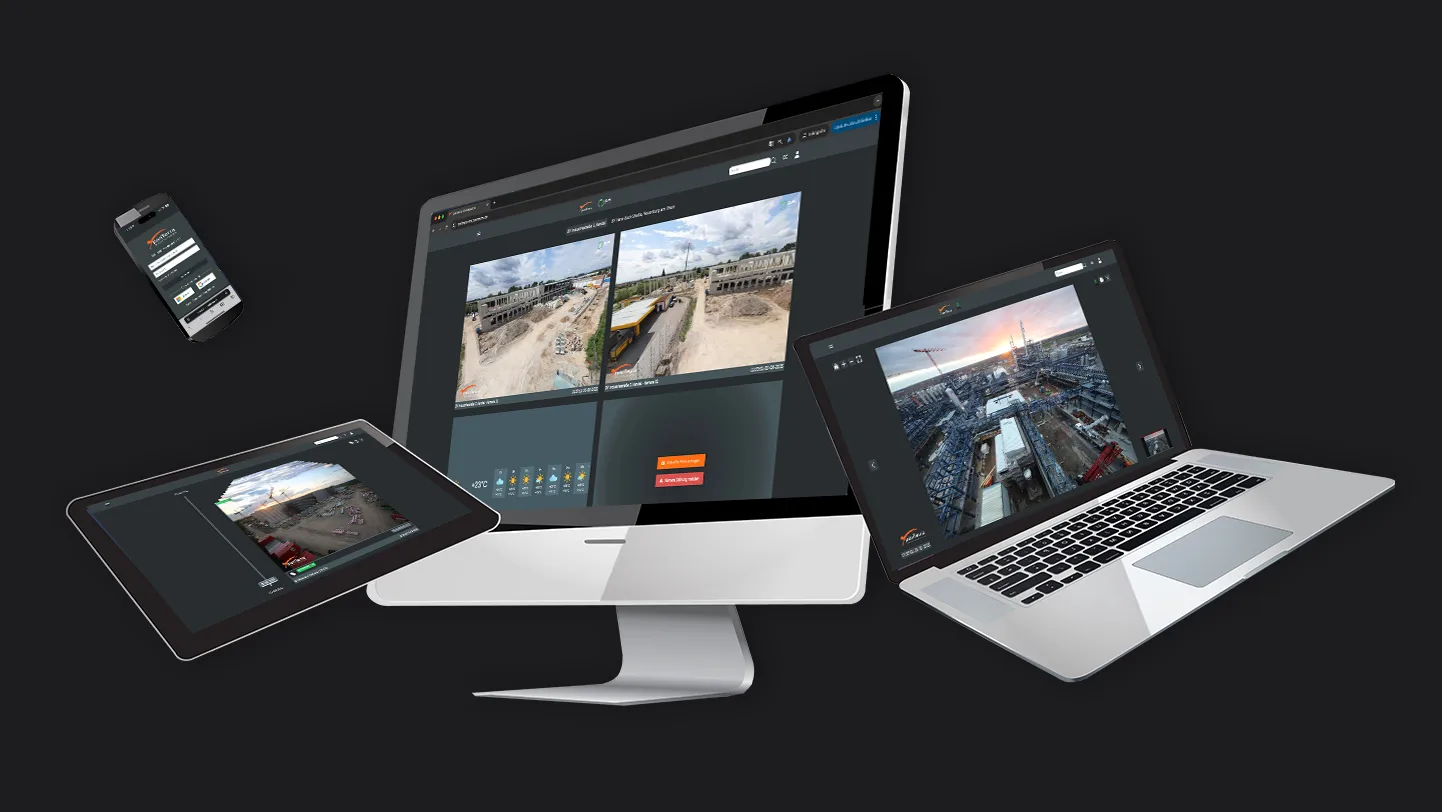
Compare with precision: Overlay full-resolution images, seamlessly switch between shots, and spot changes at a glance. Compare different project stages and visualize the changes, then examine your project (construction site) in detail.
Table of Contents
Step-by-Step Guide - Comparison Features
- Tip: You can also open the stack view by double-clicking the camera tile.
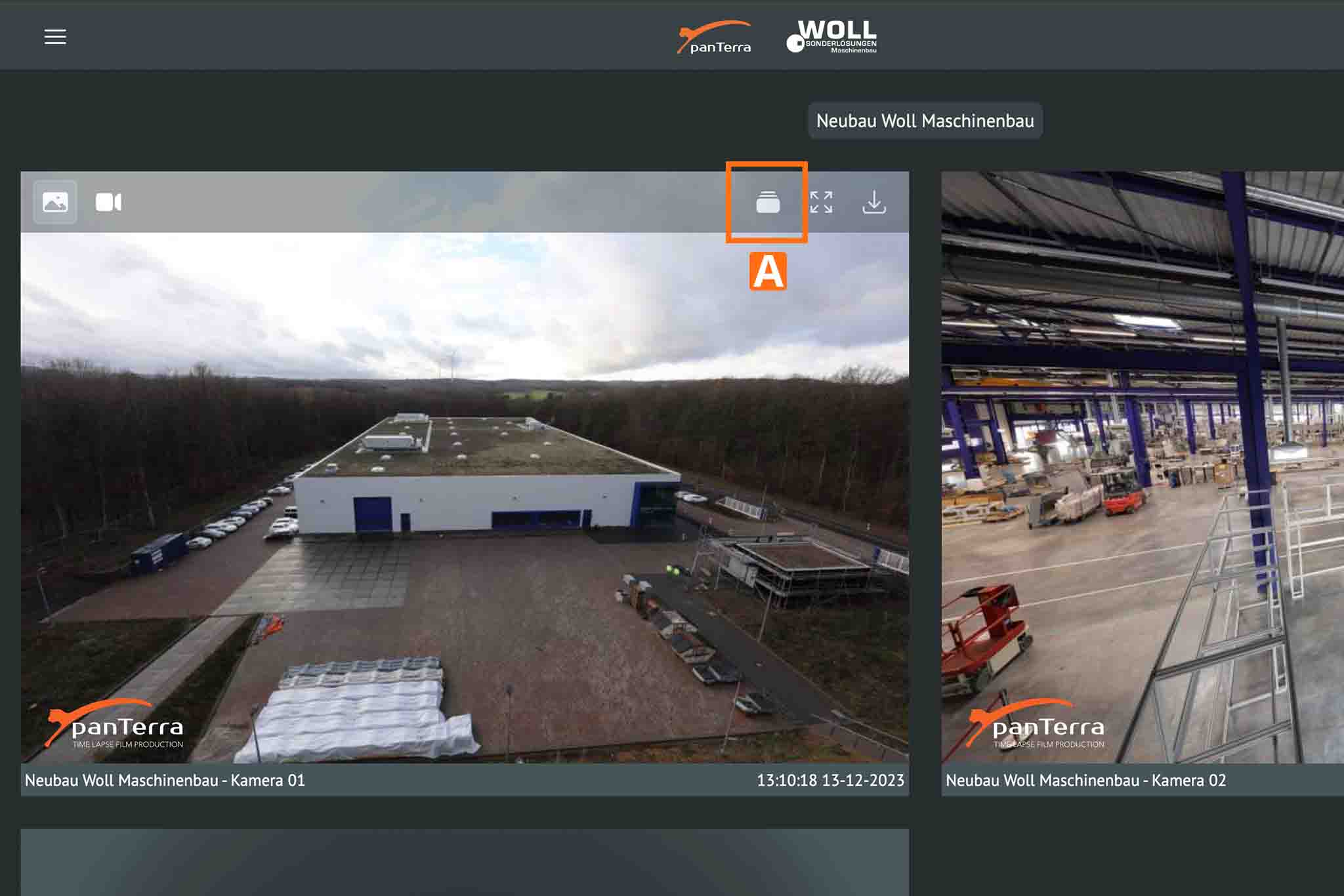
2. Navigate➚ to the images you want to compare.
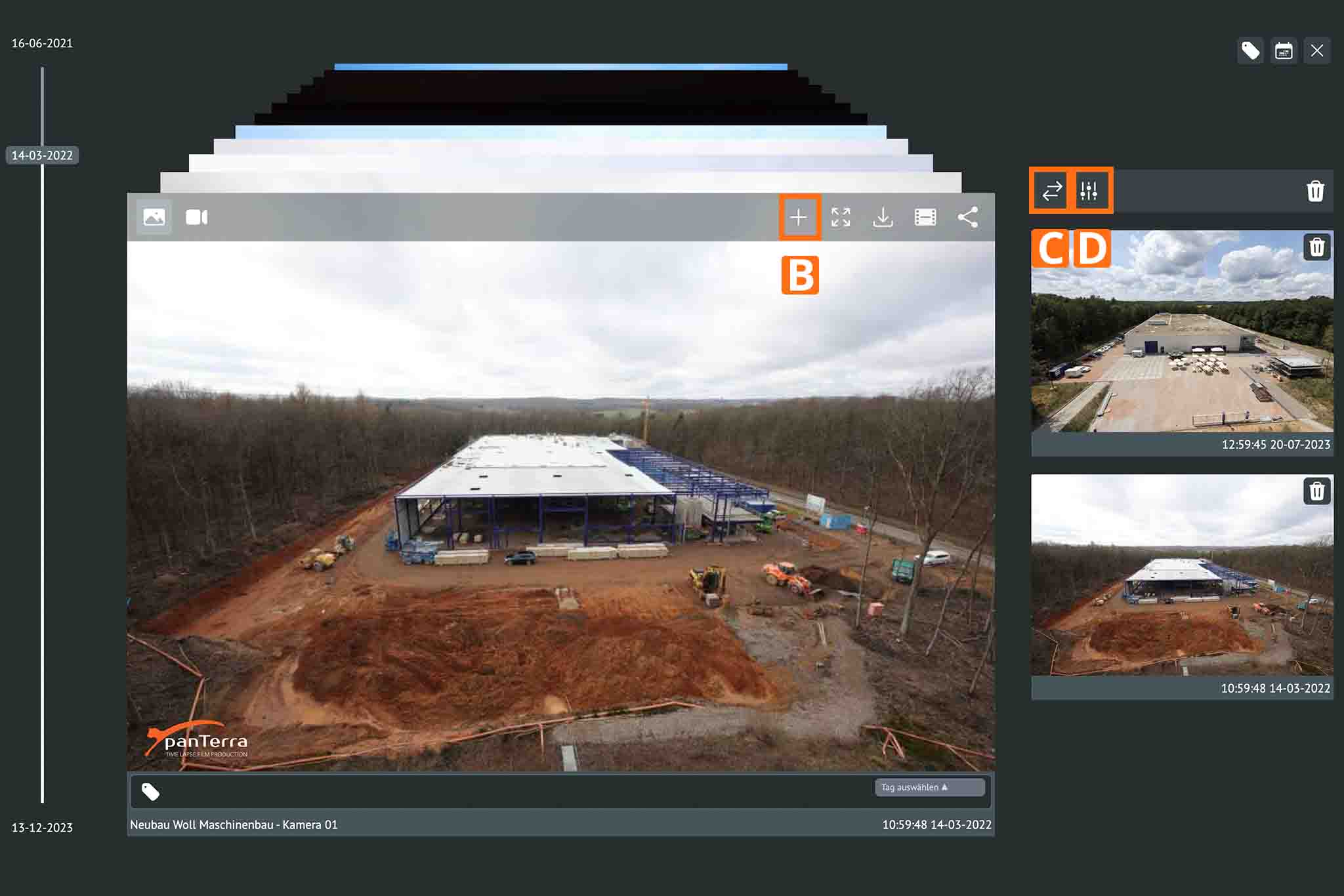
3. Select the images you want to compare B.
4. Compare the images side by side and zoom in C.
5. Overlay the images and adjust the opacity D.
Here is a short video demonstrating this feature:
Video: Comparison Feature
This video shows you how to select two or more images in the stack view, start the comparison, and review the images side by side in full resolution. You’ll also see how to zoom in, overlay images, and adjust the opacity smoothly to quickly and accurately identify changes in your project.
Support & Contact
If you have any questions, our team will be happy to assist you: [email protected]